
The officer app. Screening that never stops.
A purpose-built screening console for the point of entry — fast, offline-first, and synced automatically when signal returns. This is the real app, screen by screen.
A traveller app and an officer app
They are completely separate. Travellers self-screen with no account; officers screen at the post with their own scoped sign-in.
Traveller app
Public, no login. Declare your health before arrival and get a QR pass. See the traveller guide →
Officer app
Staff only. Primary & secondary screening, pass scanning, records and intelligence — offline-ready.
Sign in to your post
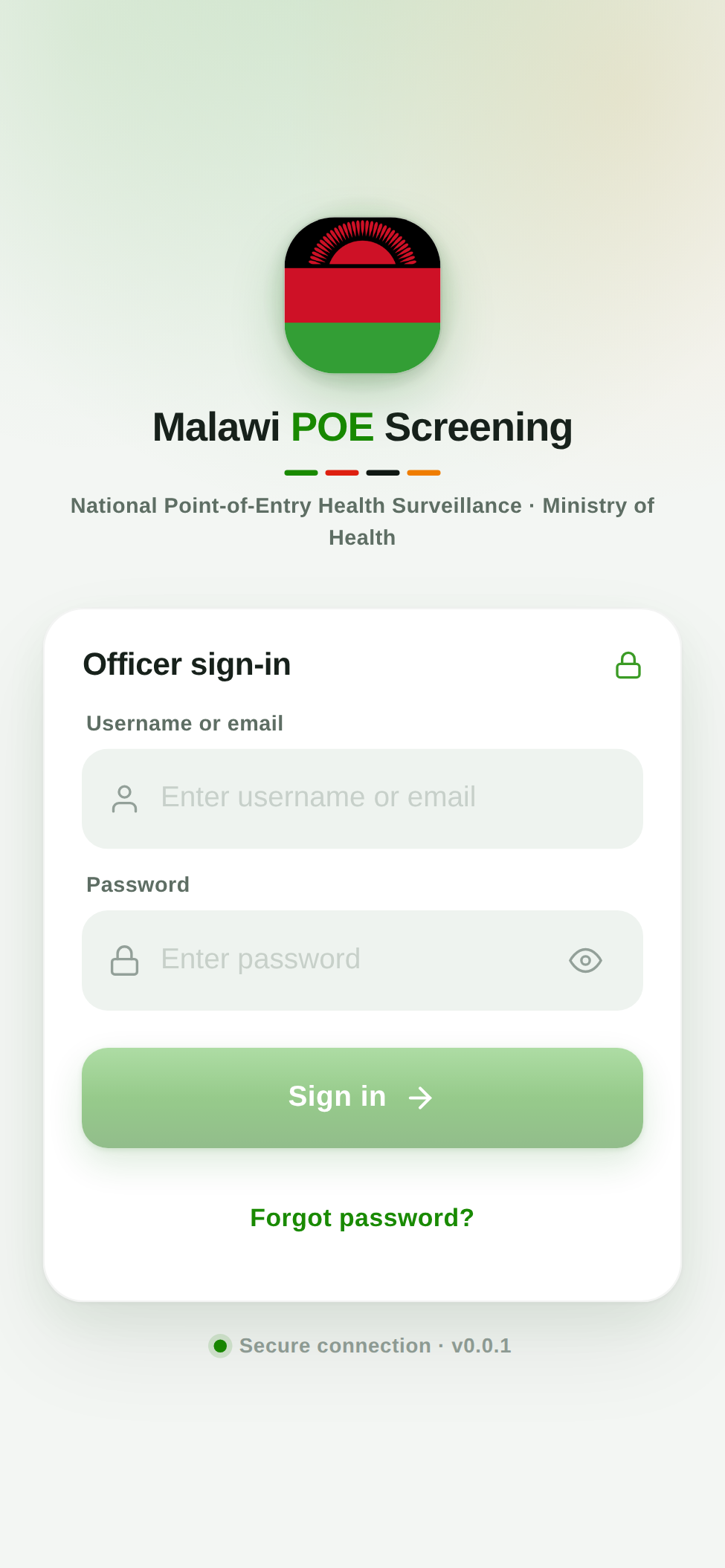
Each officer signs in with their own account. You only ever see the point(s) of entry you are assigned to.
- Sign in once while you have signal — access then works offline.
- Forgot your password? Get a 6-digit code by email.
- Never share a login — every action is attributable.
Your shift briefing
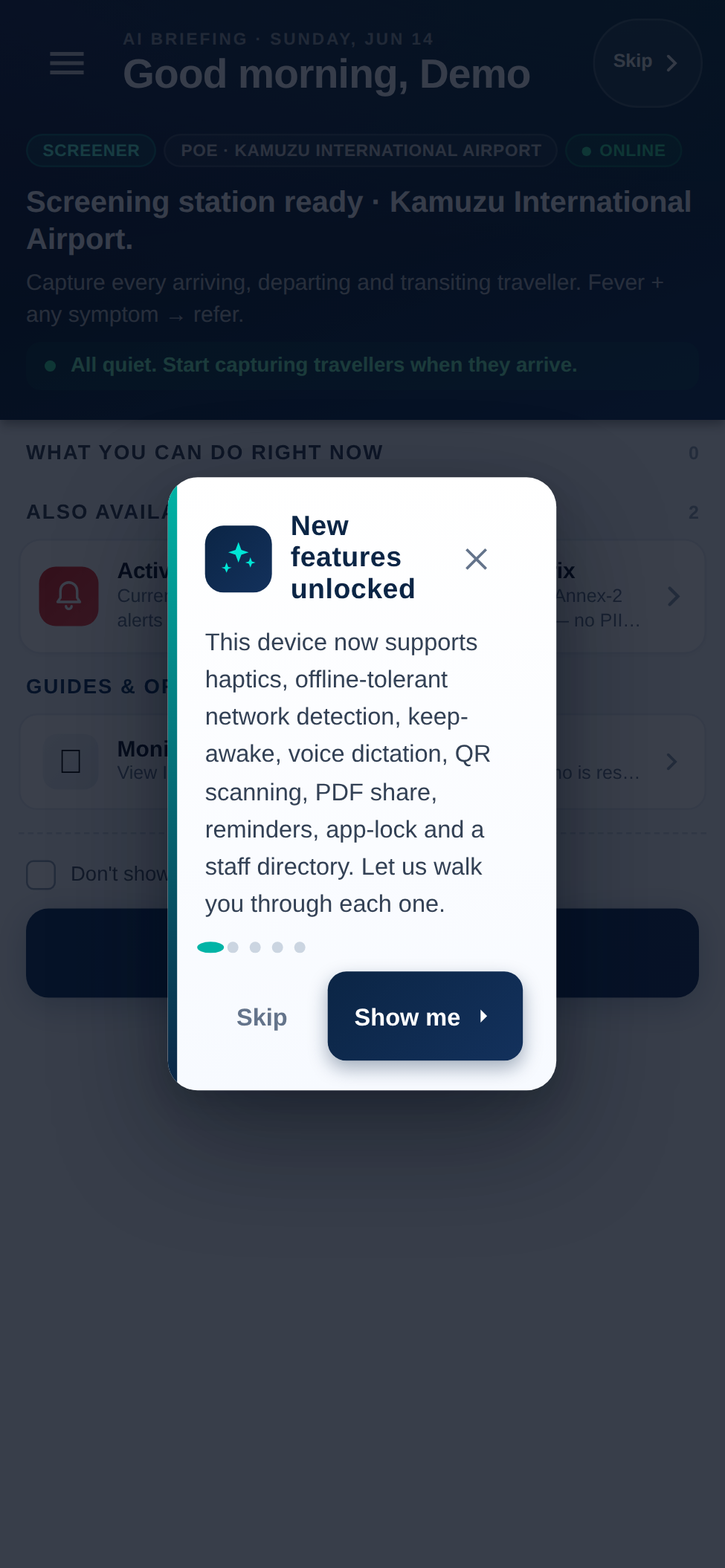
A short daily briefing orients you the moment you sign in — your post, today’s focus, and what to watch for.
- Confirms your assigned point of entry.
- Summarises the current screening priorities.
- One tap to continue to your dashboard.
Your command dashboard
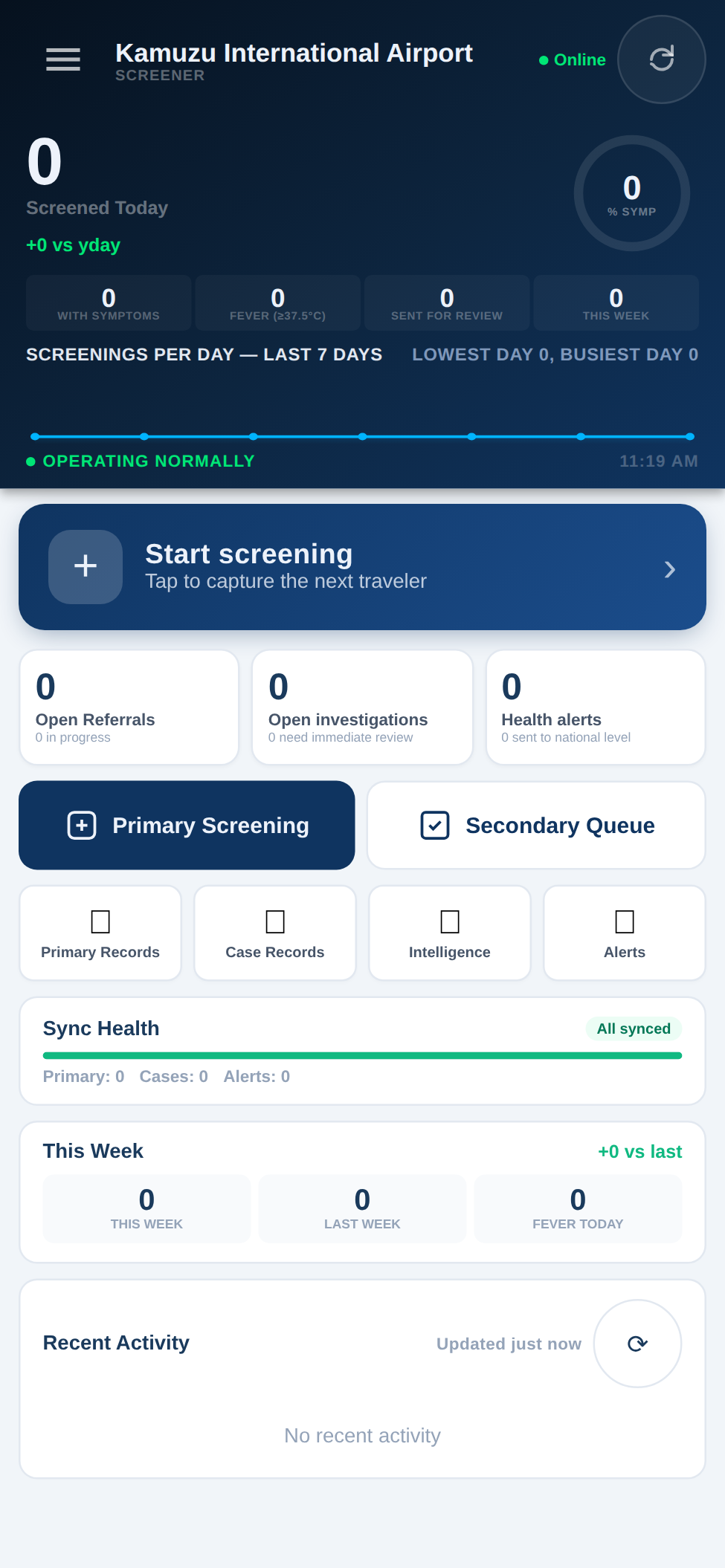
Everything at a glance: how many you’ve screened today, the 7-day trend, open referrals and alerts — and one big button to start the next traveller.
- Start screening captures the next arrival.
- Live counts: referrals, investigations, health alerts.
- Sync status shows nothing is left un-sent.
Primary screening
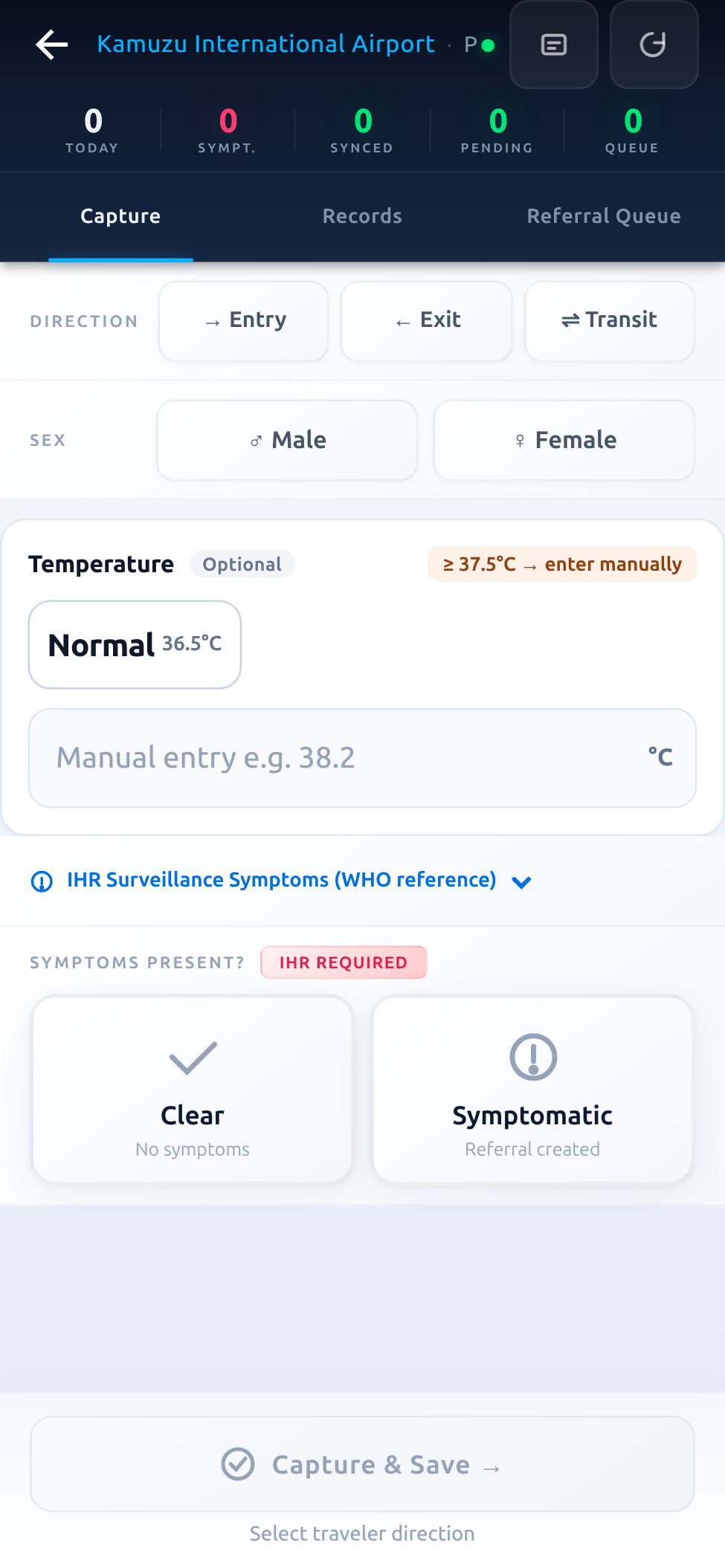
The core officer task. Capture direction of travel, temperature and IHR surveillance symptoms, then mark the traveller Clear or Symptomatic — which creates a referral.
- Entry, exit or transit — captured in one tap.
- WHO/IHR symptom reference built in.
- Scan a traveller’s QR pass to pre-fill instantly.
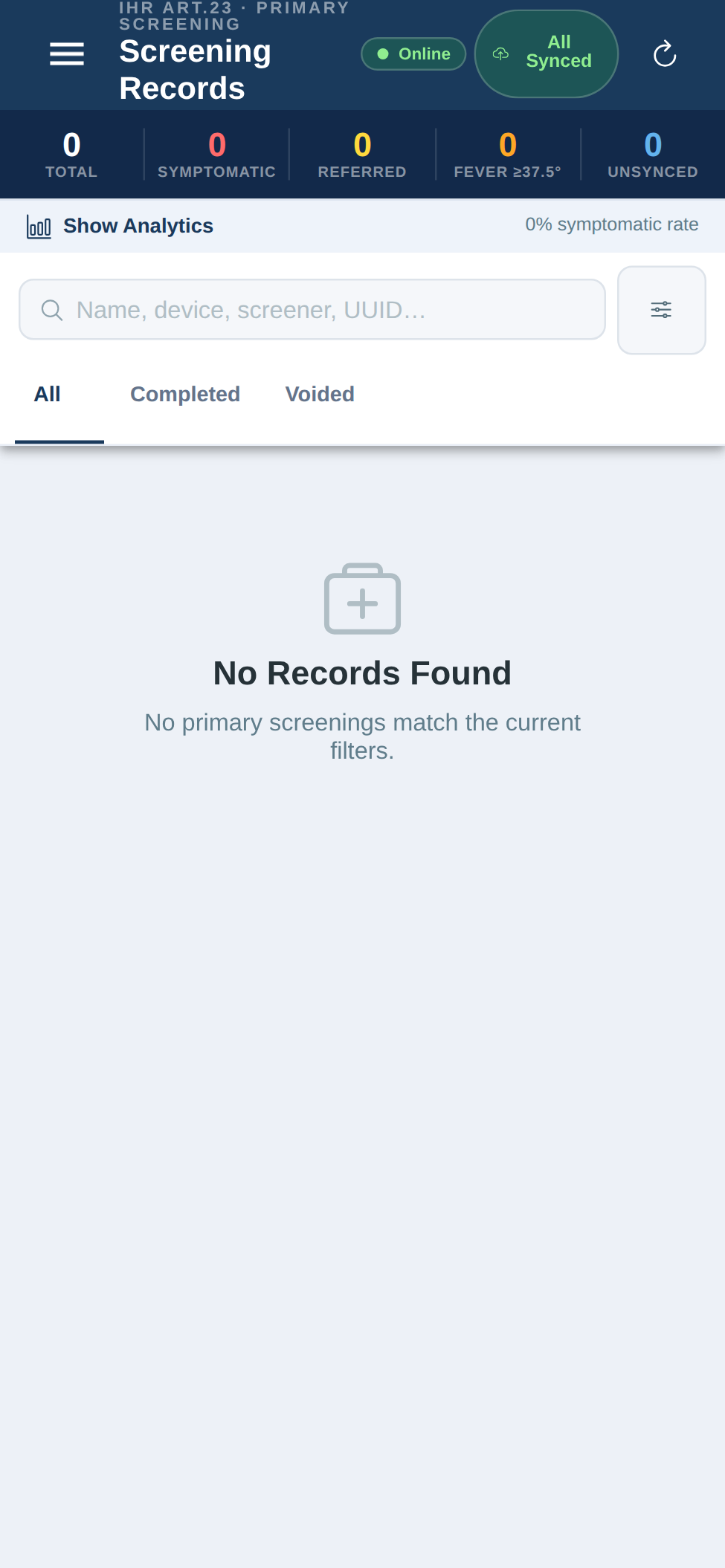
Every record, on the device
Browse and search the screenings captured at your post — available even offline, because the records live on the device and sync when you reconnect.
- Filter by date, direction and status.
- Open any record to review or continue it.
- Scoped to your point of entry only.
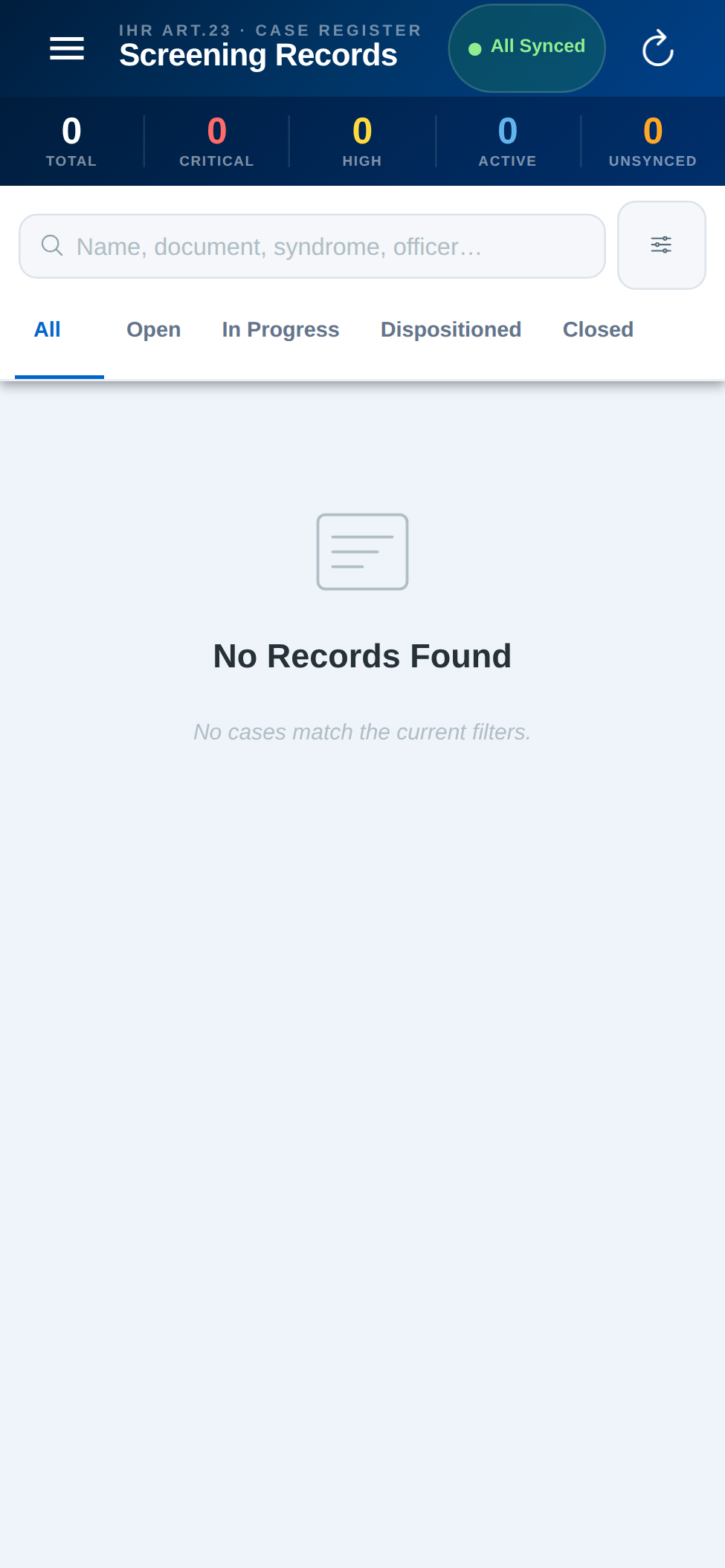
Cases & secondary screening
When a traveller is referred, it becomes a case. Case records keep the fuller, private secondary assessment linked to the same person — start to finish.
- Referrals flow straight from primary screening.
- Secondary assessment is a private, structured follow-up.
- The whole journey stays on one traveller record.
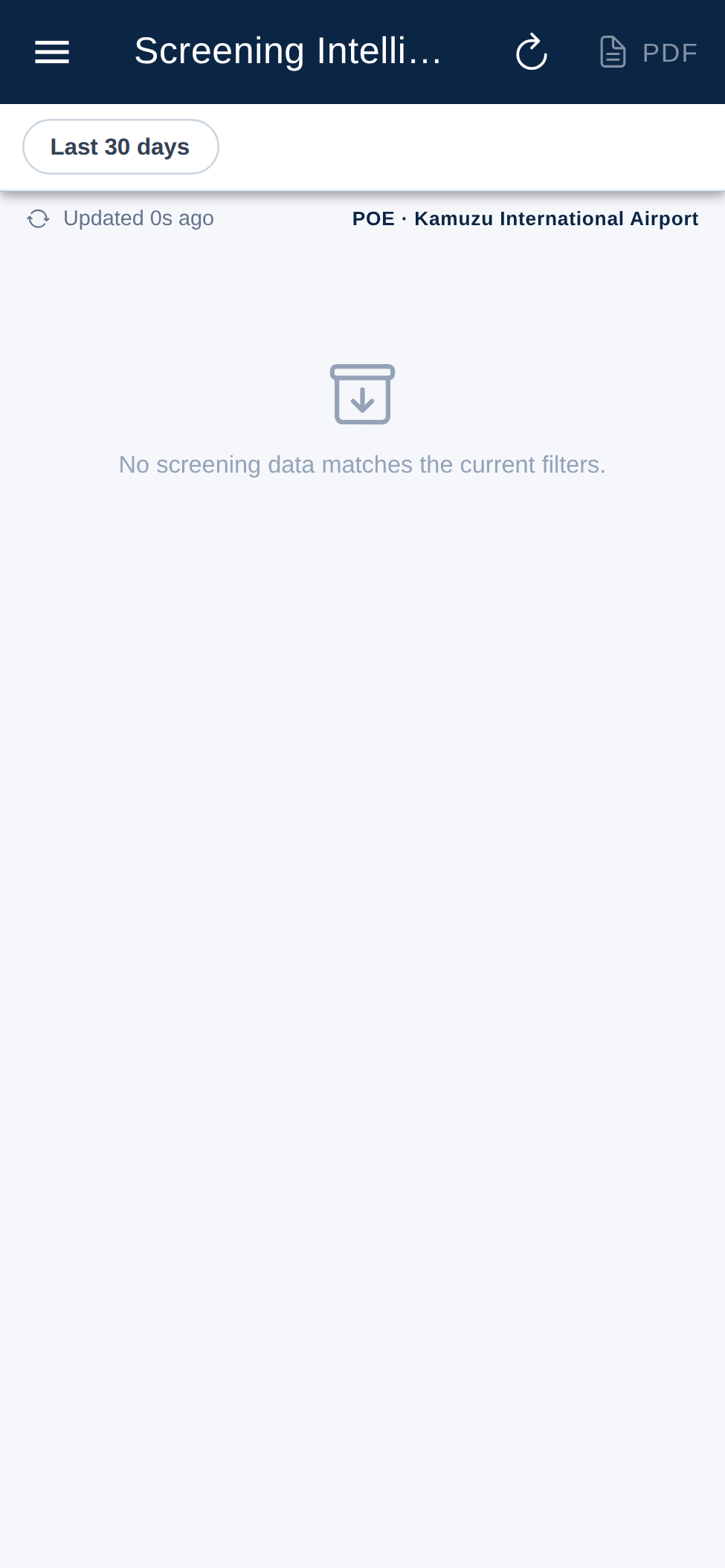
Screening intelligence
Turn the day’s screening into insight — trends and summaries for your post, filterable by period, and exportable to PDF for reporting up the chain.
- Filter by period (e.g. last 30 days).
- Export a clean PDF in one tap.
- Always scoped to your authorised area.
Offline-first. Syncs itself.
Screening never stops because the network does. The app works fully offline and reconciles automatically.
Sign in once
Authenticate while online; your access is then available with no signal.
Screen offline
Capture travellers with zero connectivity — records save on the device.
Auto-sync
When signal returns, everything uploads — a sync indicator shows what’s pending.
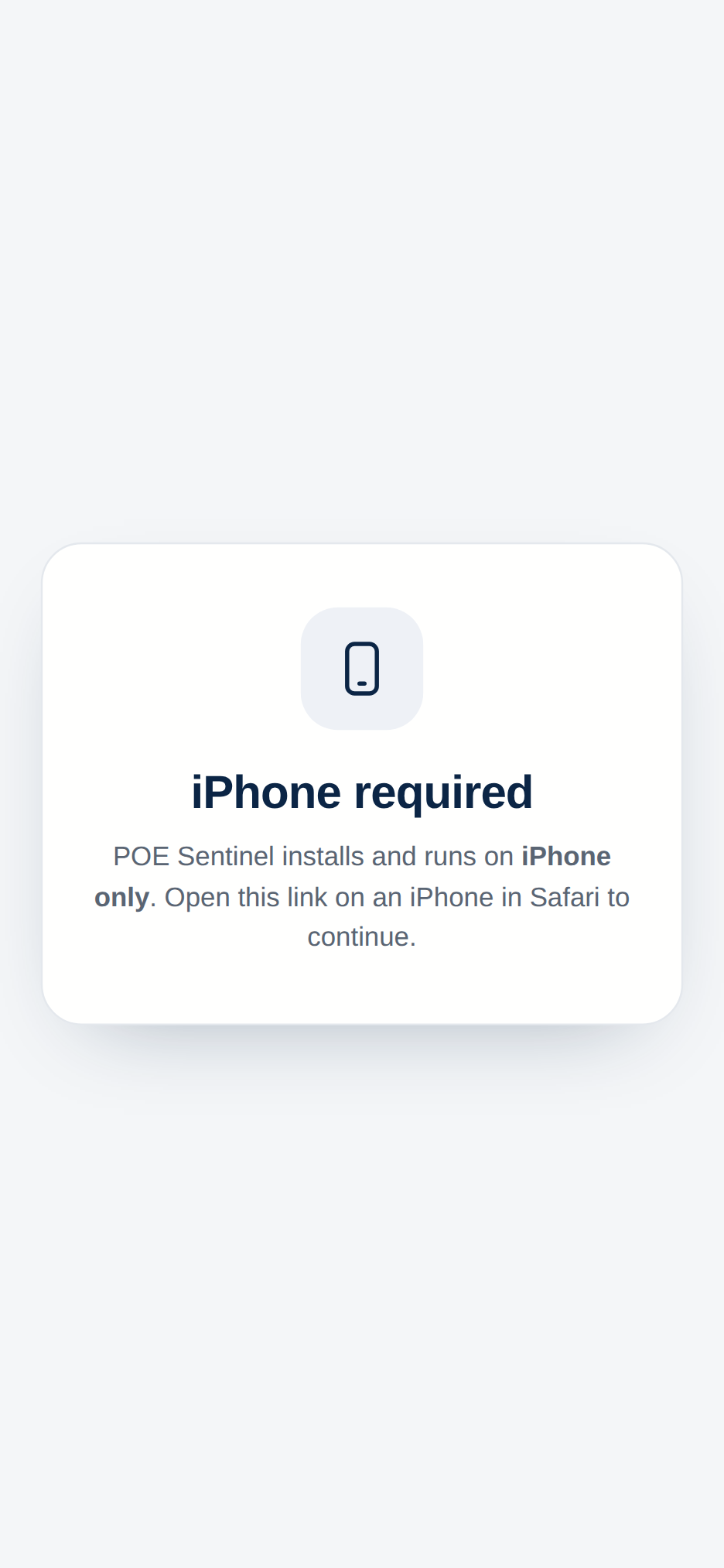
Install — iPhone & Android
Get it from the official download centre — iPhone and Android, live and training, with QR codes and verified checksums.
- iPhone: open /pwa/ in Safari → Share → Add to Home Screen.
- Android: download the signed APK from the download centre (separate live & training builds).
- Always confirm Live vs Training before screening real travellers.
What the traveller does
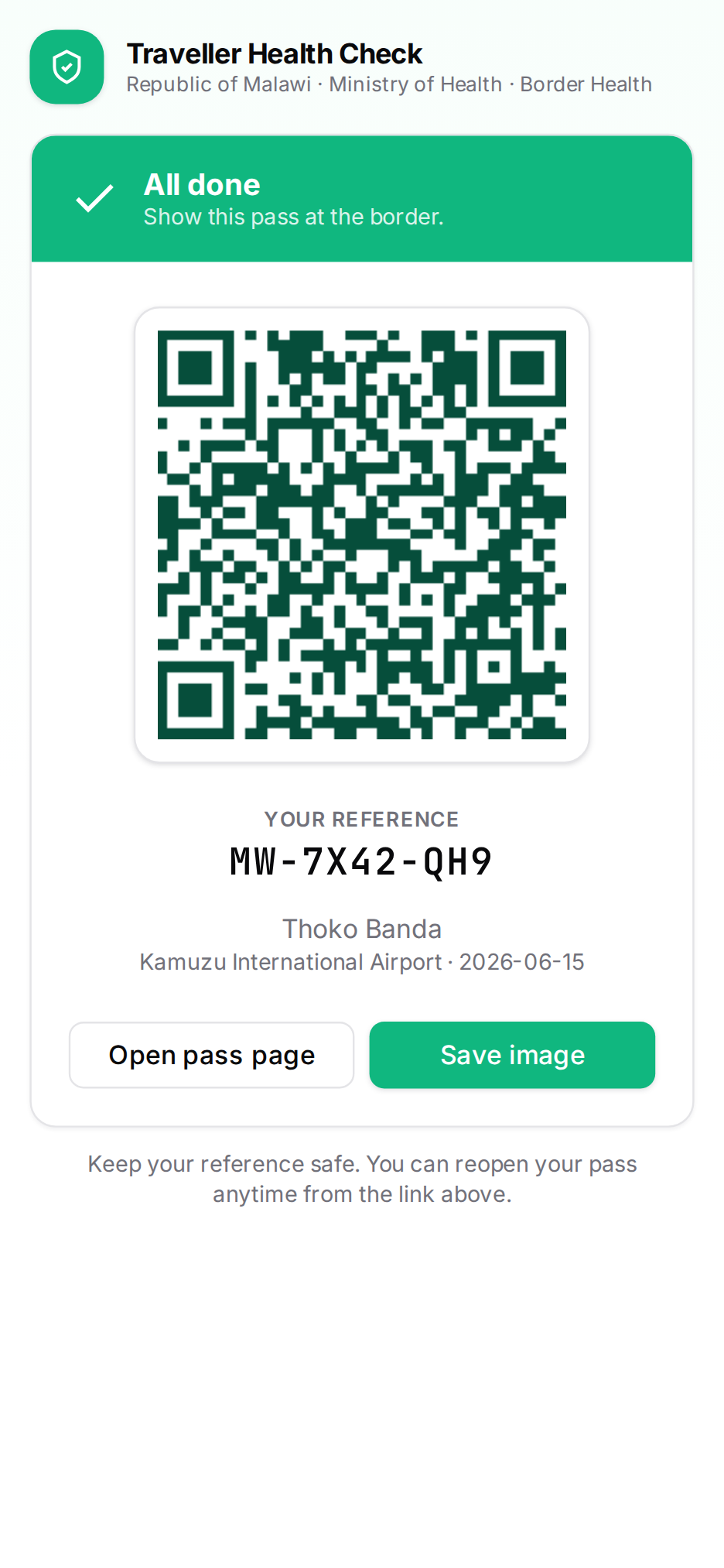
Before arrival, travellers complete a short health check on their own phone — no app install, no account — and bring a QR pass to your post. Here’s their side, so you know what they’re holding.
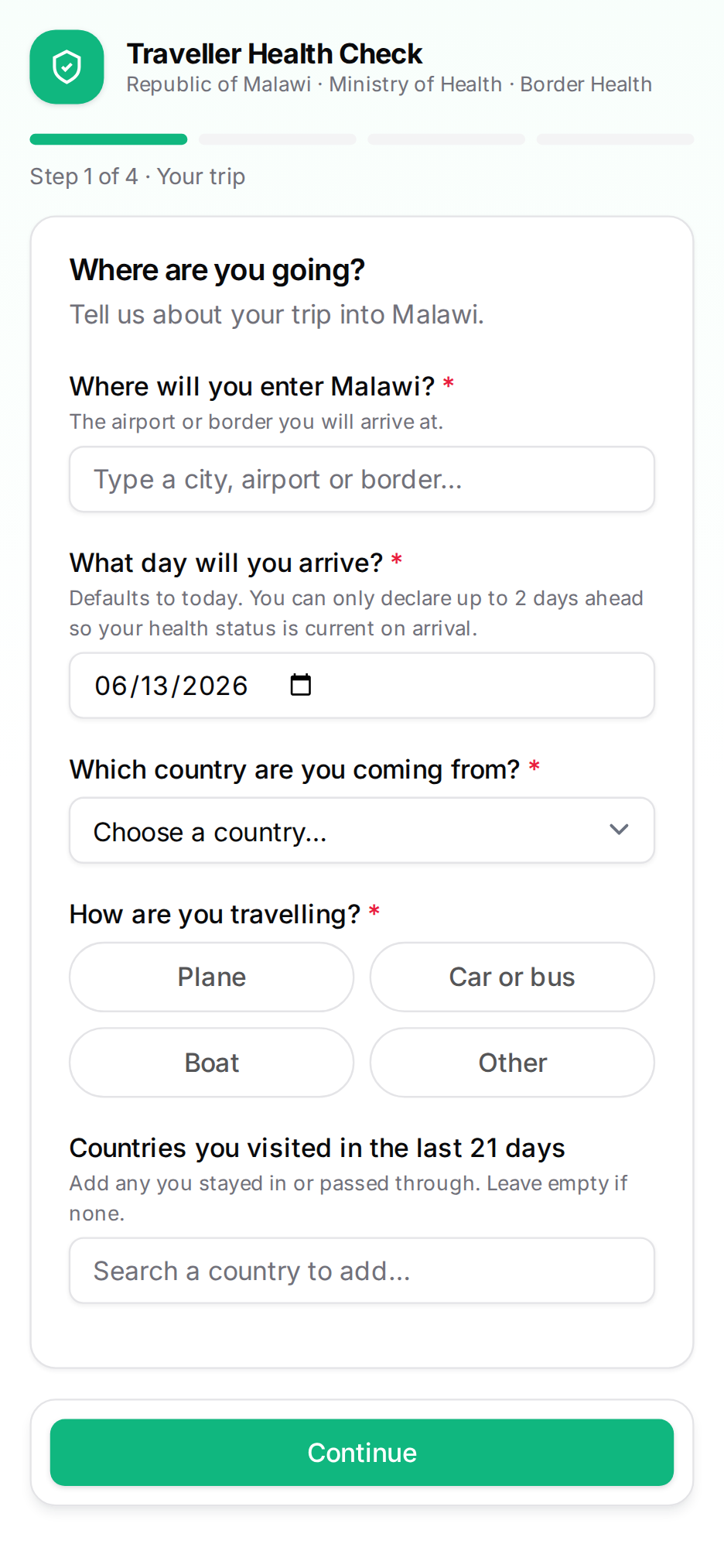
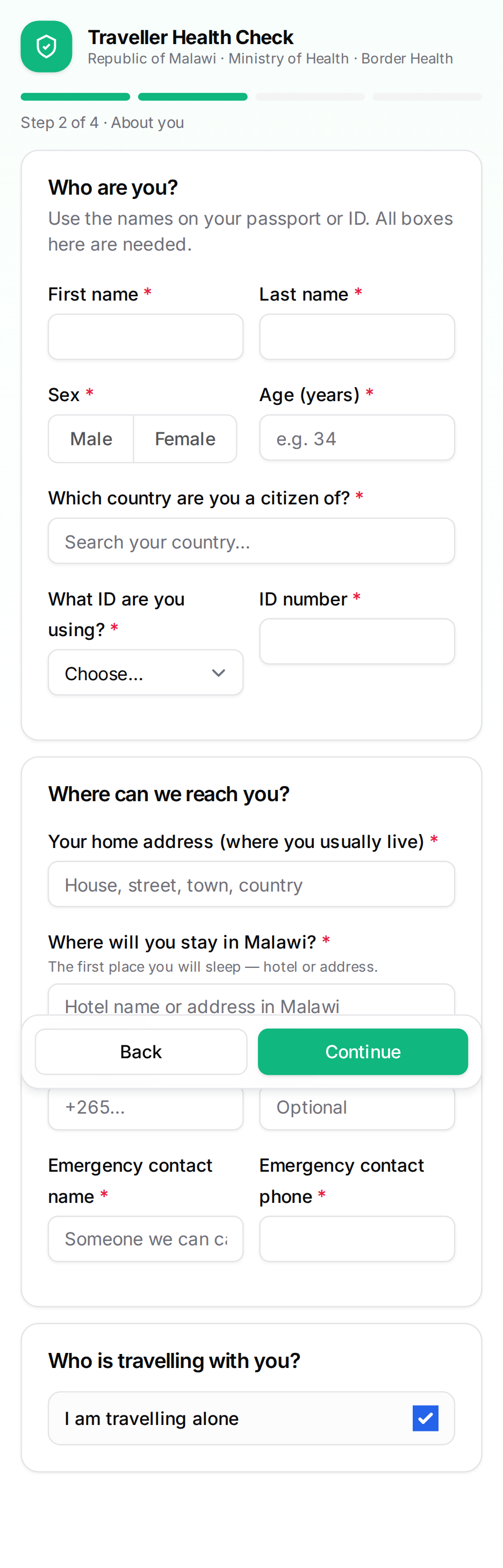
They declare their trip
The traveller enters where and when they arrive, then who they are — using the name on their travel document, so it matches at your post.
- Point of entry & arrival date.
- Identity, nationality & document.
- Recent countries visited.
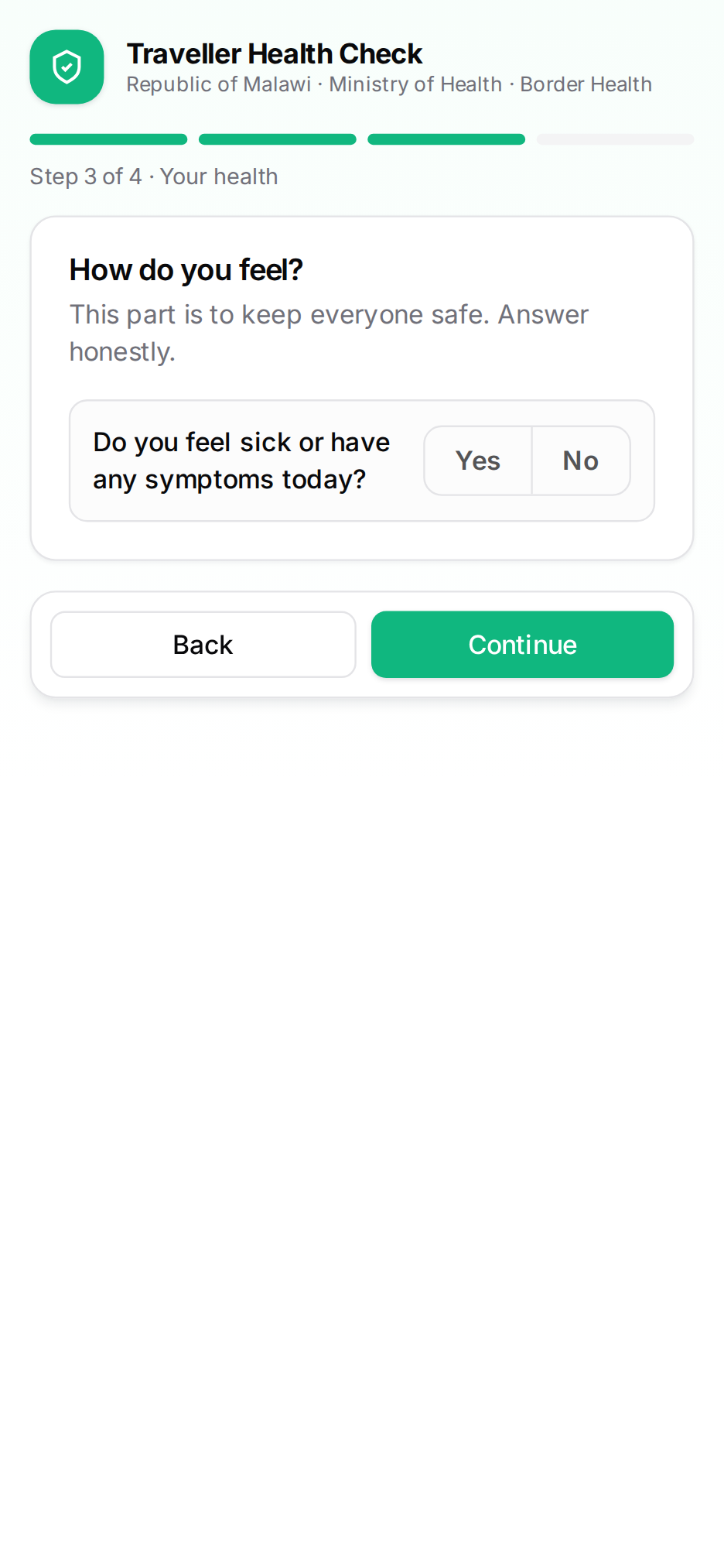
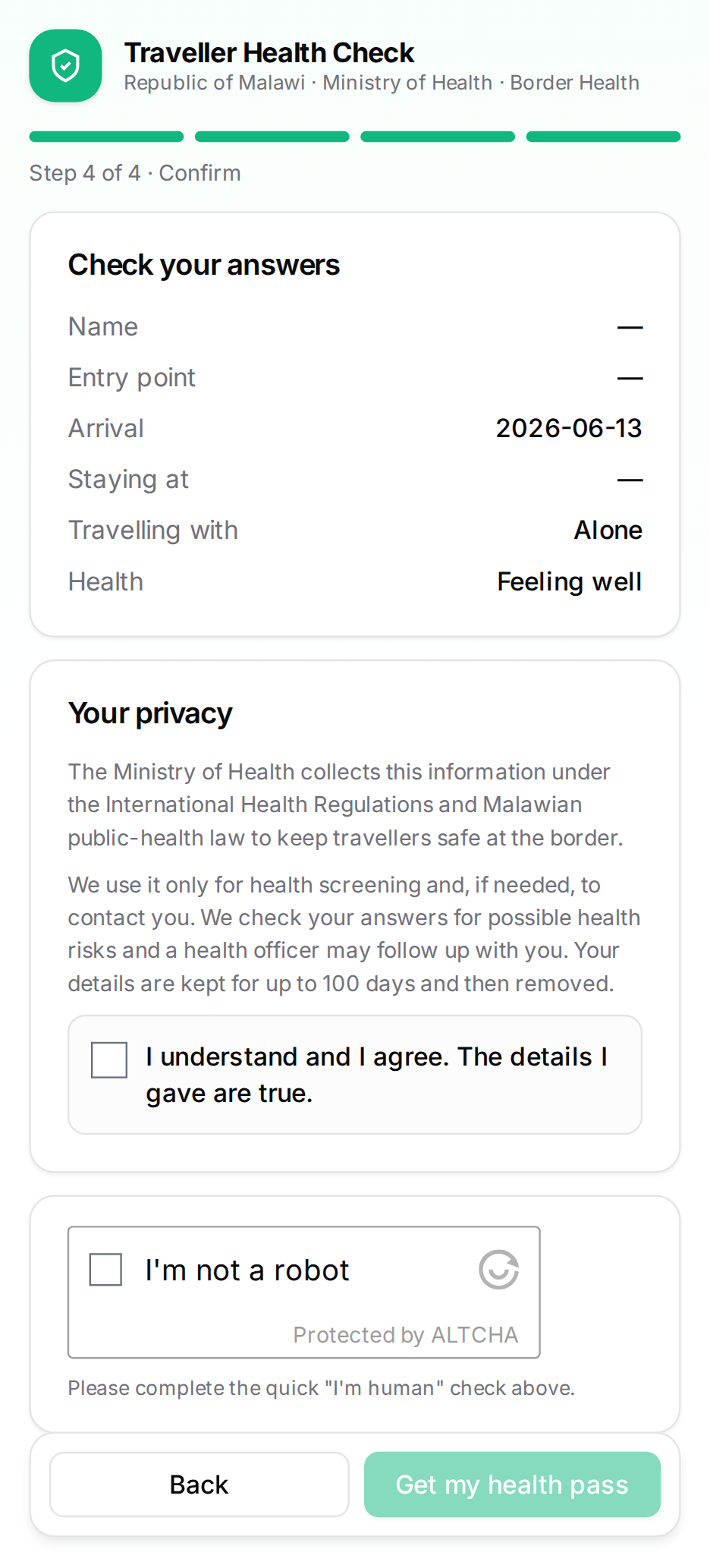
They answer health questions
Symptoms and recent exposures, then a review and consent. Honest answers aren’t a barrier — they just help you help them faster.
- Symptoms & exposures in the last 3 weeks.
- Review on one screen, then consent.
- A quick human check — no login.
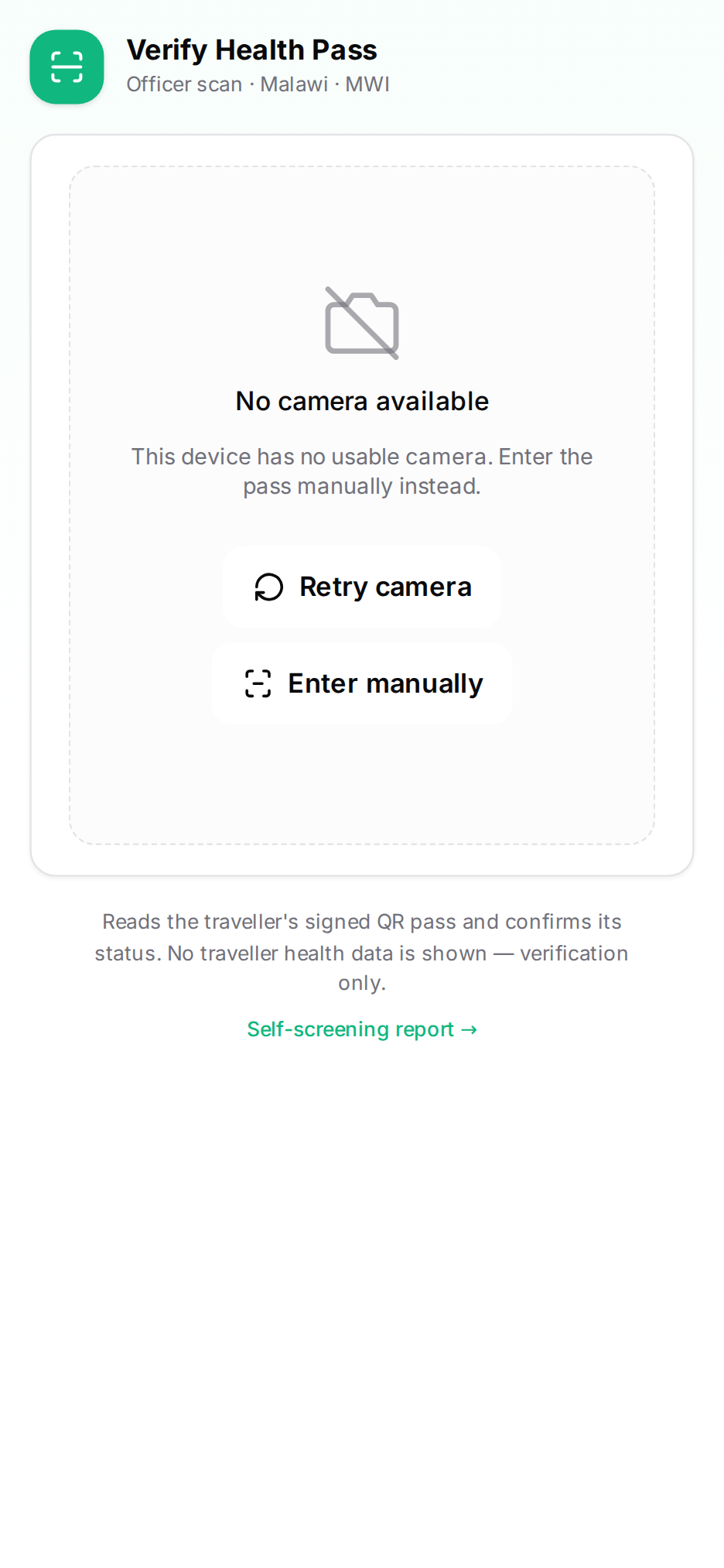
You scan their pass
At the post, you scan the traveller’s QR pass and their answers load instantly into primary screening — no re-typing.
- Pass scan pre-fills the screening form.
- No pass? Capture everything manually — they’re never turned away.
- Refer to secondary screening when needed.
One modern app at every border
Paperless, offline-ready screening that turns every arrival into reliable surveillance — in line with the International Health Regulations.
Live mwpoehealth.ecsahc.com · Training training.mwpoehealth.ecsahc.com · © Republic of Malawi — Ministry of Health